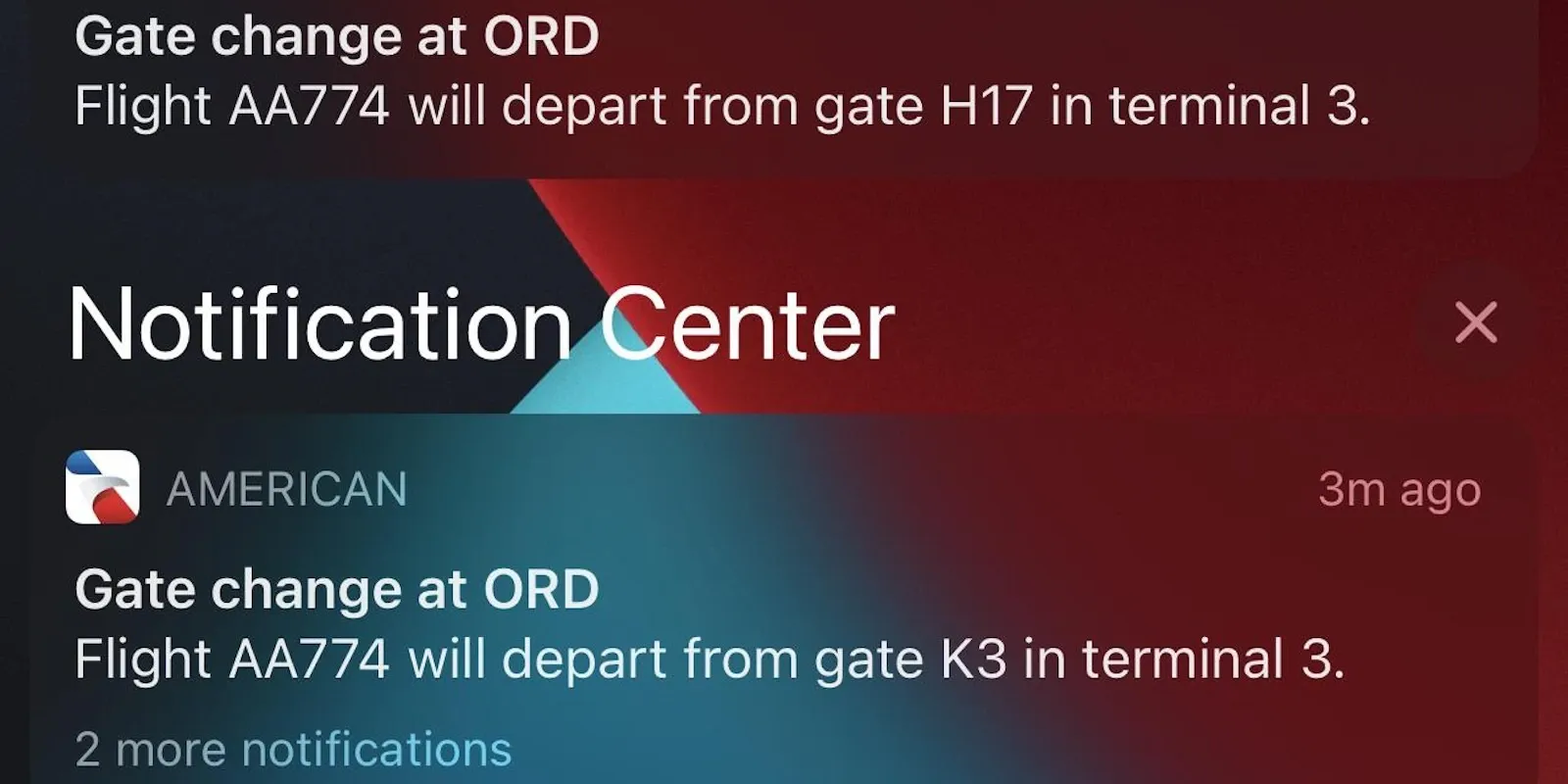
How to receive real-time gate change notifications
A gate change arrives on time only if push notifications from your chosen app are configured correctly: permissions, power saving and correct flight number are the variables most often blocking the alert.
Activate the right permissions on your phone
Gate change notifications only work if the app has sending permission active: on iPhone check Settings > Notifications, on Android in the app Notifications section, because many phones disable the option by default after installation.
Airline or independent app
The airline's official app sends the gate notification as soon as it receives the information from the airport, but an independent app like Flighty or FlightAware (here how these apps work) can anticipate it by crossing multiple data sources; using one in addition to the airline app, not in replacement, reduces the risk of missing an alert if one of the two has a technical problem.
Power saving and volume: the details that block the alert
iOS and Android power saving modes can delay notifications in the background even with permissions active: disabling it temporarily during travel avoids the problem. Also notification volume, not just vibration, helps you perceive the alert when the phone remains in your pocket.
The correct flight number, basic condition
Without correct entry of the flight number in your chosen app, none of the previous settings have any effect: a wrong character in the airline code or number makes the flight disappear from the monitored list.
Check permissions, power saving and volume on the same app at least once before each trip: they are the three most common causes of a gate change notification that arrives late or doesn't arrive at all.
You might also like...

Offline navigation apps: never get lost while traveling
Wellness apps for travel: managing sleep and relaxation

Ramón Villeda Morales International Airport: where to stay, areas and recommended hotels

Fare errors: the trick to flying almost for free

Hydration and nutrition on board: feeling good above the clouds