How to use your smartphone efficiently at the airport
At the airport, your smartphone does far more than entertain: used with even minimal method, it avoids most last-minute small crises.
Boarding pass and flight status
Keeping the digital boarding pass already open and easily accessible—without having to unlock multiple apps in sequence at the gate—saves time especially in longer lines. Checking the airline app periodically, rather than just the physical departure board, lets you spot a gate change announced at the last minute before it's announced over the loudspeaker.
Offline terminal maps
Downloading offline maps of the airport in advance helps you navigate areas where data connection is weaker, typical of underground zones or corridors between terminals.
Battery and connectivity: don't run dry
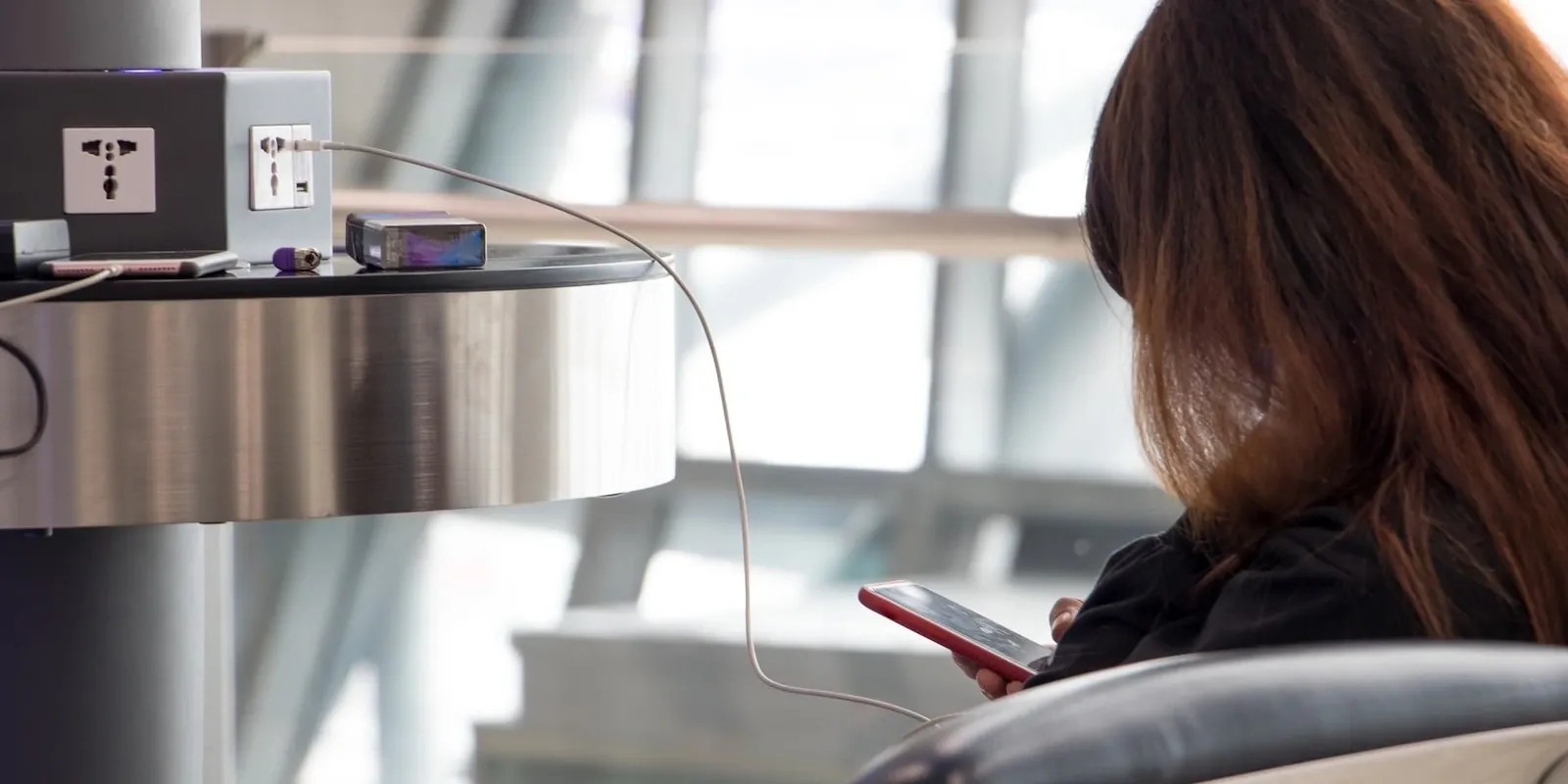
Reducing screen brightness and closing background apps significantly extends battery life during waiting hours. Carrying a charging cable within arm's reach, not locked in checked luggage, lets you recharge at any available outlet in the airport. Activating airplane mode with Wi-Fi on, where available, drains less battery than constant data connection while waiting. For more details on networks and charging spots, see the guide Wi-Fi and charging at the airport.
Keep the charging cable in an easy-to-reach spot in your carry-on without having to unpack it: it's the detail that makes the difference between sitting near an outlet and being left with a dead phone right when you need to check the gate.
You might also like...

Seychelles International Airport: where to stay, areas and recommended hotels

El Alto International Airport: where to stay, areas and recommended hotels
Wellness apps for travel: managing sleep and relaxation
Airfares: what the different classes really include
Airport terminal: how to figure out where to go