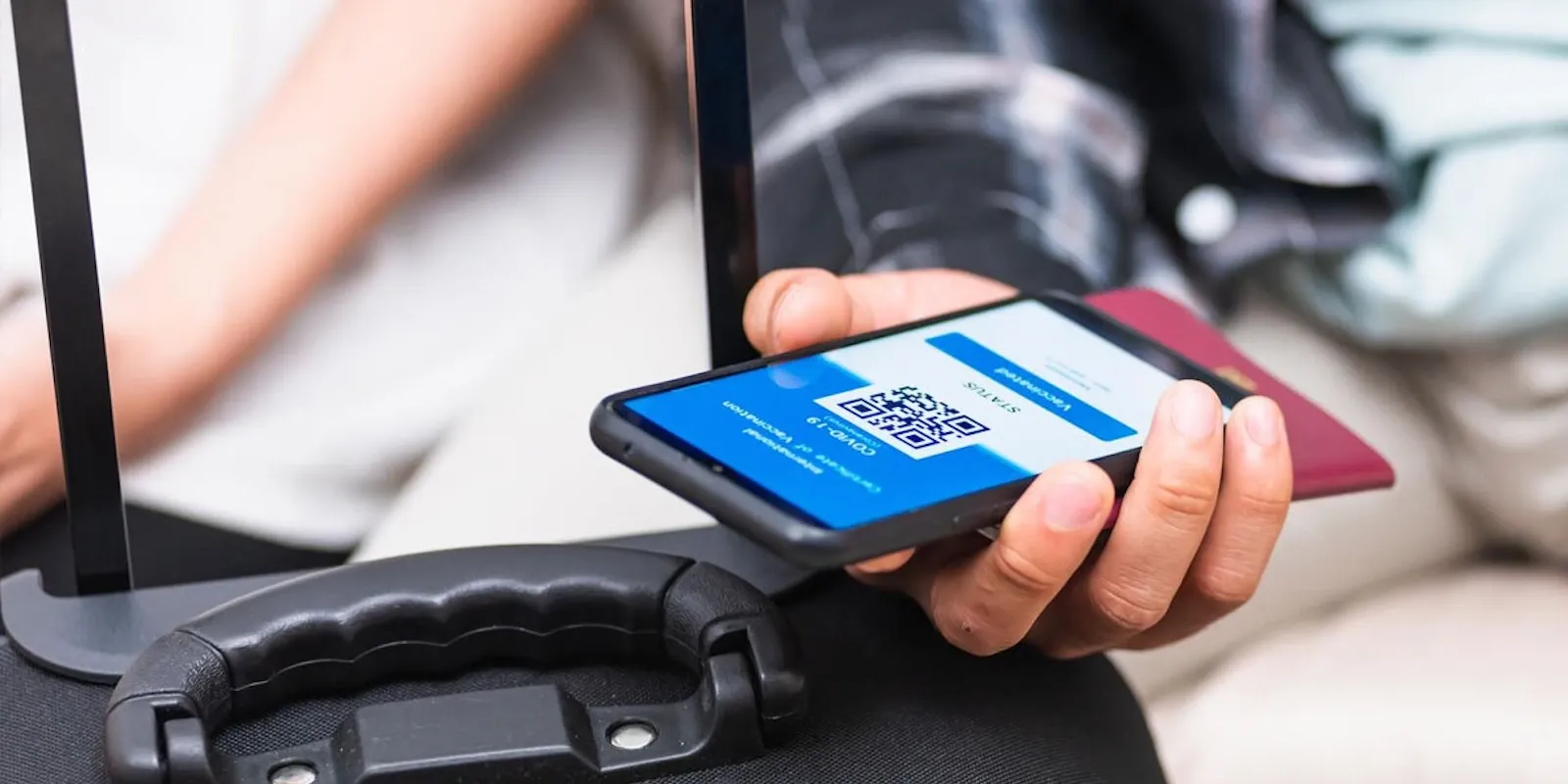
Boarding pass on your phone: what to know before you leave
Saving your boarding pass in Apple Wallet or Google Wallet lets you pass through security with no internet connection, because the code remains readable offline exactly as it would on a printed copy. Outside the European Union and North America, however, some airports still require a paper copy for border controls on international flights.
Digital wallet: why it beats a simple screenshot
The apps for Apple Wallet and Google Wallet can read bar codes and QR codes even without a network, a real advantage in airport areas where Wi-Fi is weak or missing. The code gets scanned multiple times along the path — at security, at the gate area entrance, and at boarding — so it helps to turn screen brightness to maximum before approaching scanners, which often struggle to read dark screens or opaque screen protectors.
The backup you need when the app crashes
A screenshot of your boarding pass saved in your photo gallery stays readable even on a phone with no connection or when the app is down, and takes just seconds to take once you receive the pass. The same goes for links received by email: some have a limited validity period for security reasons and may require new login if opened days after sending, while the code image stays accessible without needing to log in again.
Connecting flights on multiple airlines: multiple passes, not one
On an itinerary with a connection handled by different airlines without a full interline agreement, check-in often needs to be done separately for each segment, and your phone will need to hold several distinct boarding passes: make sure to check the date and flight number on each before showing it, to avoid presenting the wrong one at the gate. Family travelers should also avoid putting all passes on a single smartphone: keeping a saved copy on another adult's phone reduces risk in case of dead battery or sudden failure.
Battery and screen lock: the two most common surprises
The automatic screen lock after a few seconds of inactivity is the most common reason a code won't read at the gate: disabling it temporarily, or keeping your finger ready on the unlock sensor, keeps the line moving. Many airports offer free charging stations along the corridors past security, useful if you can't rely on a power bank and the wait gets long; installing phone software updates a few days before departure rather than the morning of helps avoid your device getting stuck during installation right when you need to show your boarding pass.
The simplest way to avoid getting stuck is this: as soon as you receive your boarding pass, take a screenshot and save it to your photo gallery, regardless of how much you trust the app or digital wallet.
You might also like...

StarFlyer: The Japanese Airline That Sells More Space in Economy
Airport check-in: when is it still mandatory

Prince Mohammad Bin Abdulaziz Airport: where to stay, areas and recommended hotels

Window or aisle: which seat is better to choose

Airport check-in: how to handle the check-in desks