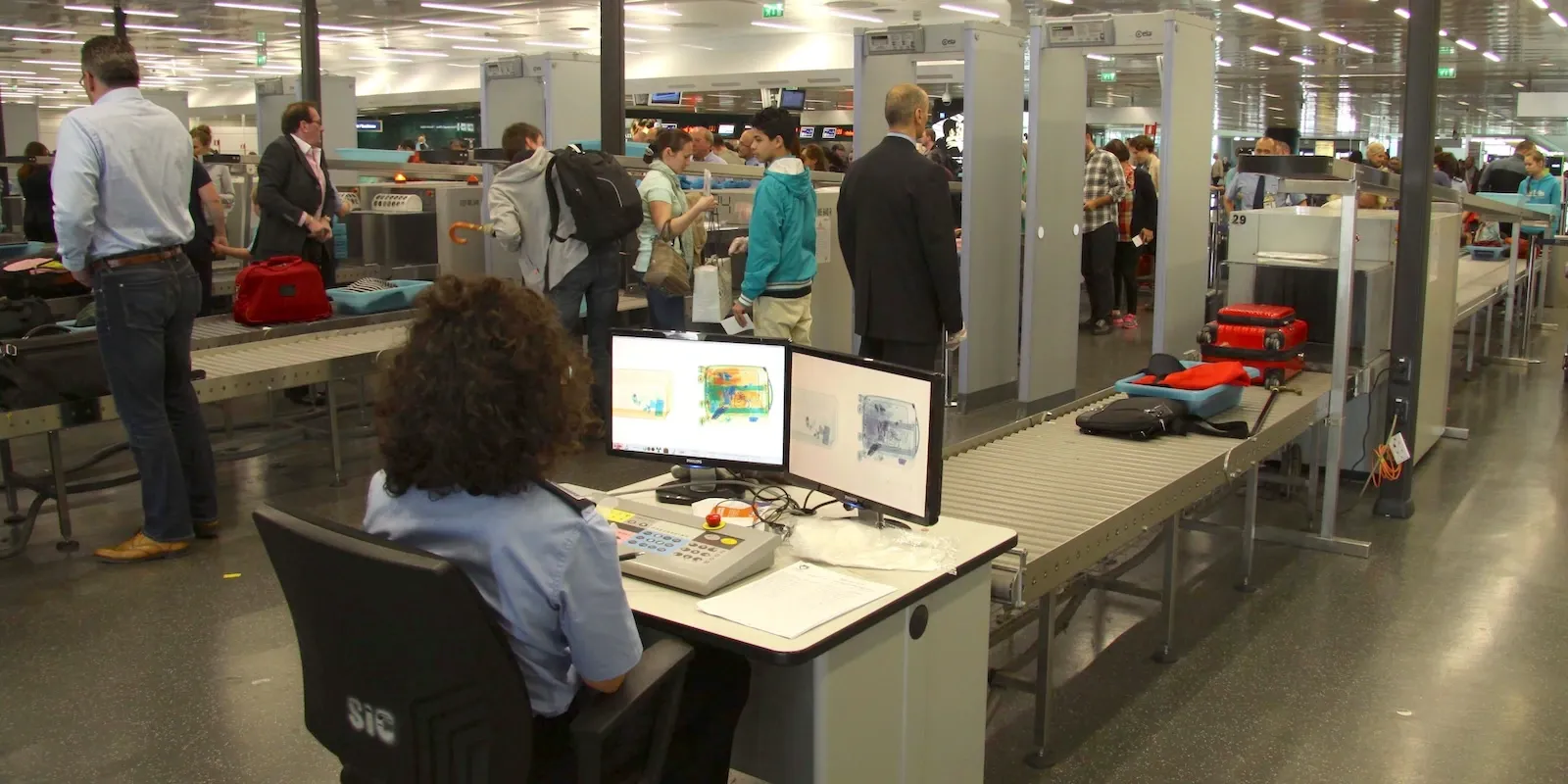
Computers and electronic devices at security checks
The laptop must almost always be removed and placed alone in the tray, while spare lithium batteries and power banks must only travel in carry-on baggage, never in checked baggage: these are the two rules that generate the most confusion at security checkpoints.
Laptop, tablet and cameras
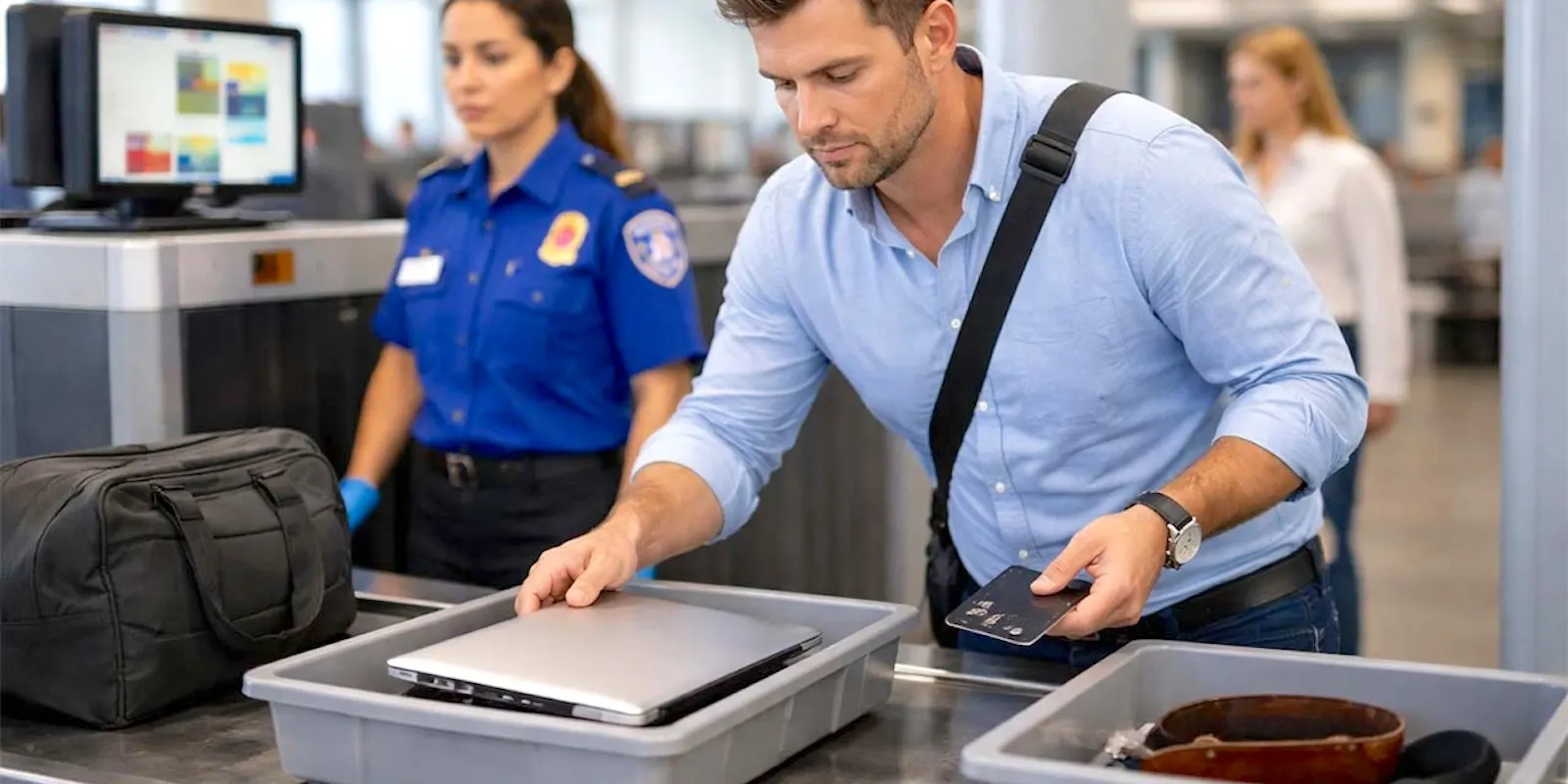
The laptop should generally be removed from its case and placed alone in a tray, without other objects on top: this is the configuration that traditional X-ray scanners read best. At airports with latest-generation CT scanners this rule may not apply, but it remains a local exception to check in advance. Tablets and e-readers generally follow more permissive rules and can remain in the bag, although professional models of large size are sometimes treated like a laptop. Cameras with interchangeable lenses deserve more attention for physical fragility than for specific security rules: separating them from the rest of your luggage reduces the risk of impacts on the conveyor belt.
Lithium batteries and power banks: the rules
Spare lithium batteries - not installed in a device, including power banks - must only travel in carry-on baggage, never in checked baggage: it's a rule related to overheating risk, because a fire start in the hold wouldn't be detectable in time. Batteries up to 100 Wh generally travel without particular authorizations; between 100 and 160 Wh you typically need airline approval, with a maximum number of pieces per person (often two); beyond 160 Wh air transport is not permitted, neither in cabin nor in checked baggage. The terminals of loose batteries must be protected, with insulating tape or in the original packaging, to prevent short circuits. For updated details, see also the dedicated guide on power banks on planes. Devices with battery already installed, such as laptops and cameras, can travel in both cabin and checked baggage, although it's still recommended to keep them within reach.
Organizing devices and cables for the check
Grouping laptop, tablet and charging cables in a dedicated pocket, designed to be opened quickly, avoids having to retrieve them from different compartments in front of the conveyor belt. Tangled cables often generate confused scanning images: a small dedicated case protects them and makes the check faster. For those traveling with valuable professional equipment, photographing serial numbers and device contents in advance helps if one of these is held for a more thorough check.
The detail that matters most of all: spare batteries and power banks always go in carry-on baggage, with contacts protected, and never in checked baggage.
You might also like...

Avignon-Caumont Airport: where to stay, areas and recommended hotels

Budapest Liszt Ferenc international Airport: where to stay, areas and recommended hotels
Airport security: how to handle random checks

Stockholm Arlanda Airport lounges: which one to choose

Alliance Air: How the UDAN Network Connecting Deep India Works